Shop Outfits From Videos: How Vêtir's Video Search Finds Every Piece in a Clip
To shop outfits from videos on Vêtir, open AI Image & Video Search in the Vêtir app, record a clip by holding the shutter or choose one up to a minute long from your library, and tap Proceed. Vêtir finds each piece the person is wearing, from the coat to the shoes, and matches every one to designer pieces from a catalog of hundreds of thousands. Results come back look by look, each marked with the moment it starts in your clip, and the matches appear beside your video as it plays.
Below: the steps in the app, a short tour of what happens between Proceed and the first match, then a full engineering account of the pipeline for readers who want the detail, how to film a clip that searches well, and what video search does not do yet.
How to shop outfits from videos in the Vêtir app
- Open the search. Tap the camera icon in the search bar on the Shop tab or the Search screen, or the camera beside the stylist bar on Home. The screen that opens is AI Image & Video Search.
- Record, or choose a clip. Press and hold the round shutter to film; a single tap takes a photo instead. Recording stops when you lift your finger, or on its own at one minute. To use a video already on your phone, tap the library button to the left of the shutter; a clip longer than a minute is turned back with an offer to pick another.
- Check it. The clip plays back on a loop. Tap Retake to film again, or Proceed to search.
- Stay on the screen. A progress bar follows the search, and going back cancels it. Large files are compressed on your phone before they upload, which keeps the upload short.
- Watch the matches arrive. Your video plays again, and as each look comes on screen, the closest match for each piece slides in along the right edge. Tap one to open it, or use the Tap to View Products button for the full list.
- Shop the looks. Under Products in the Video, each look is headed Look 1, Look 2 and so on, with the time it starts, and its pieces are grouped by type; View More Like This opens more matches. The bag icon on a match lets you pick a size and add it to your bag, and the sparkle icon opens Ask AI Stylist, with ready-made asks such as "Find me something similar to this piece" and "Suggest options on what to wear it with".
On iPhone there is one more way in: share a video from Photos, choose Vêtir in the share sheet, then Image & Video Search, and the search starts as soon as the app opens.
How AI video search identifies an outfit in a clip
Many of the outfits people want to shop reach them as video. Half of US adults use Instagram and 37 percent use TikTok, according to the Pew Research Center's 2025 survey of social media use, and Tinuiti's 2025 study of US apparel shoppers found social media is the most common channel where they discover the clothes they go on to buy.
Reading those clothes off a moving clip is harder than reading them off a photograph. The person turns, an arm crosses the bag, the light shifts between shots and the camera blurs mid-stride, while the shop photograph each piece has to match was taken still, on a clean background. Vêtir's vision pipeline handles it in four moves:
- Pick the frames worth reading. It finds every cut, and in a screen recording every swipe, then favors the frames where the person fills the picture with the feet in view, since only those show the shoes.
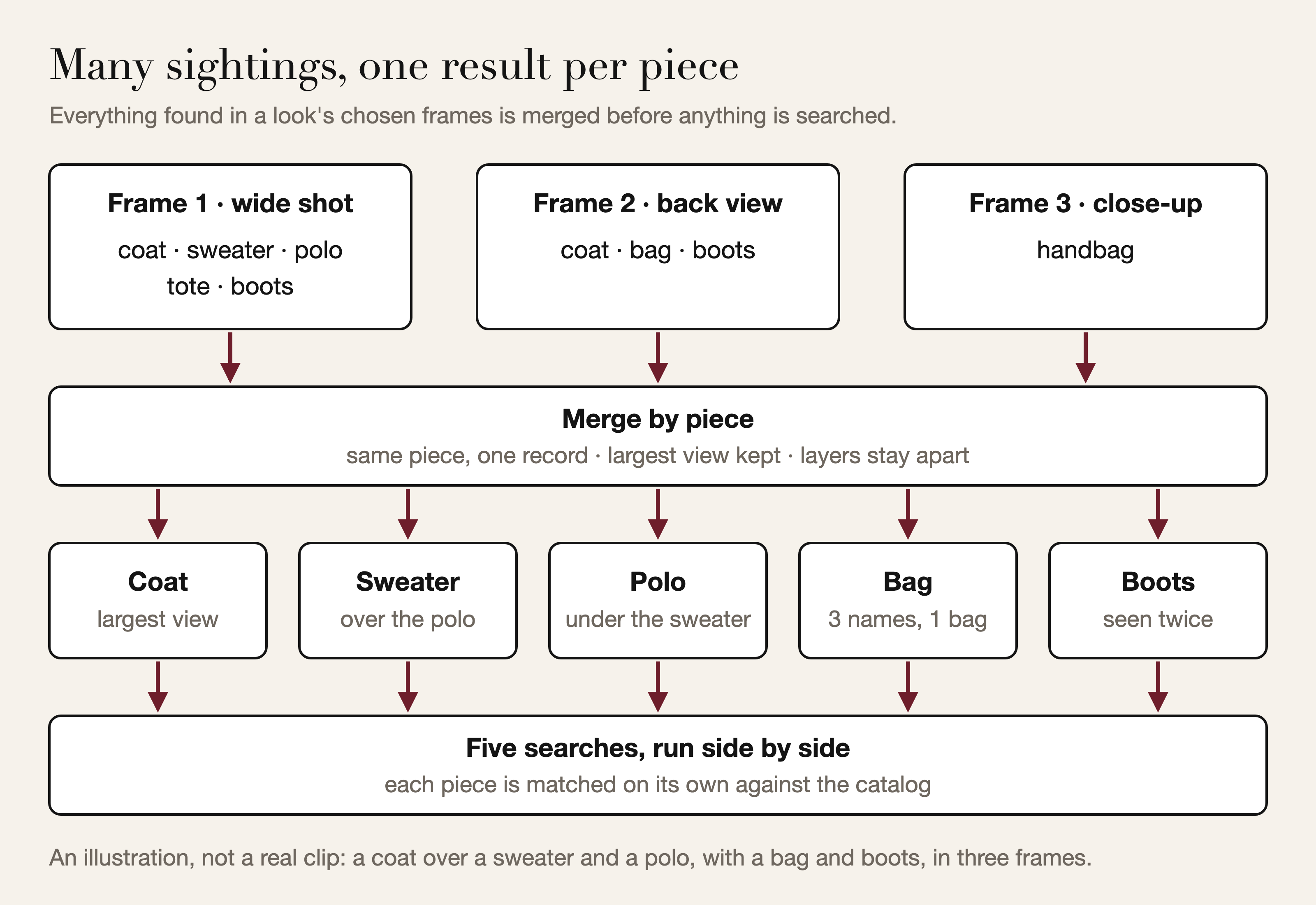
- Work out whose outfit is whose. A wide shot, a back view and a close-up of the bag on the same person become one look; a new person or a new outfit starts the next. When several people share the screen, each gets a look, and a mannequin or a coat on a rail is not counted as one of them.
- Find every piece, once. Each garment and accessory is found with its type and color, and most clothes, shoes and bags are cut out of their background. A bag seen in several frames comes back as one bag, and a blazer over a knit stays two pieces.
- Match each piece to the catalog. Each merged piece goes through the same matching that answers a photo search in the app, and the closest designer pieces come back first.
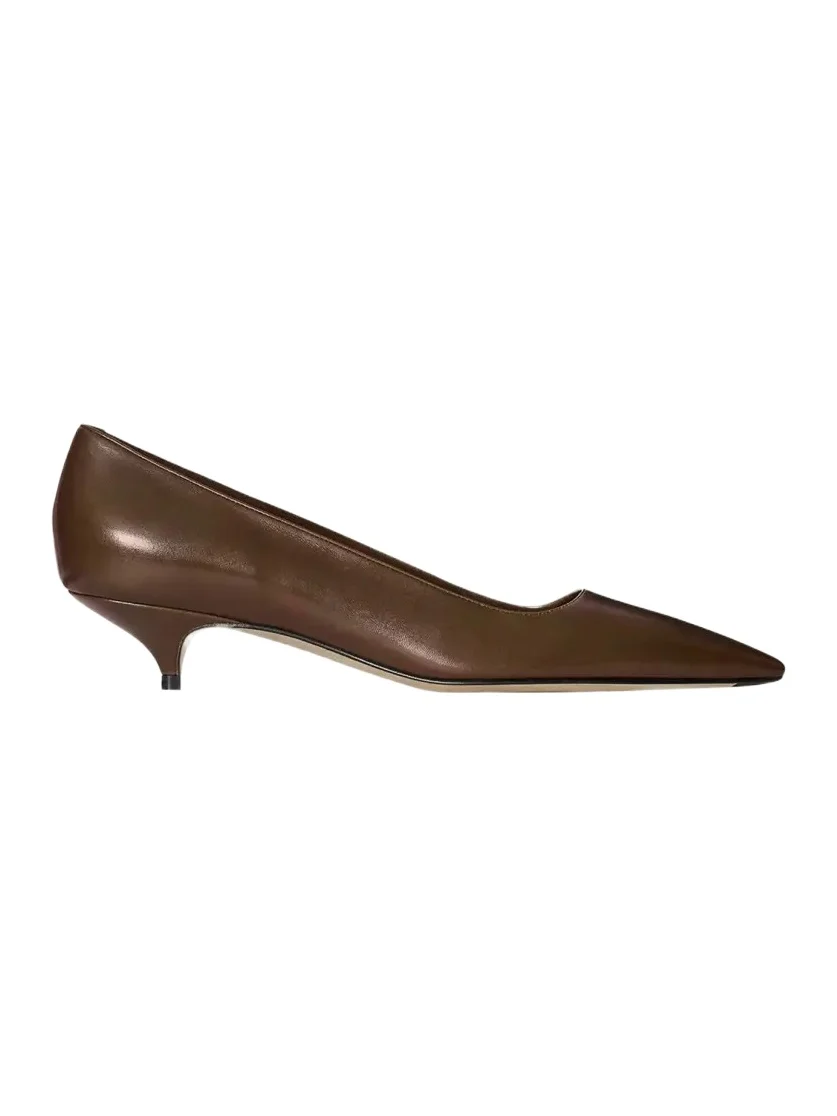
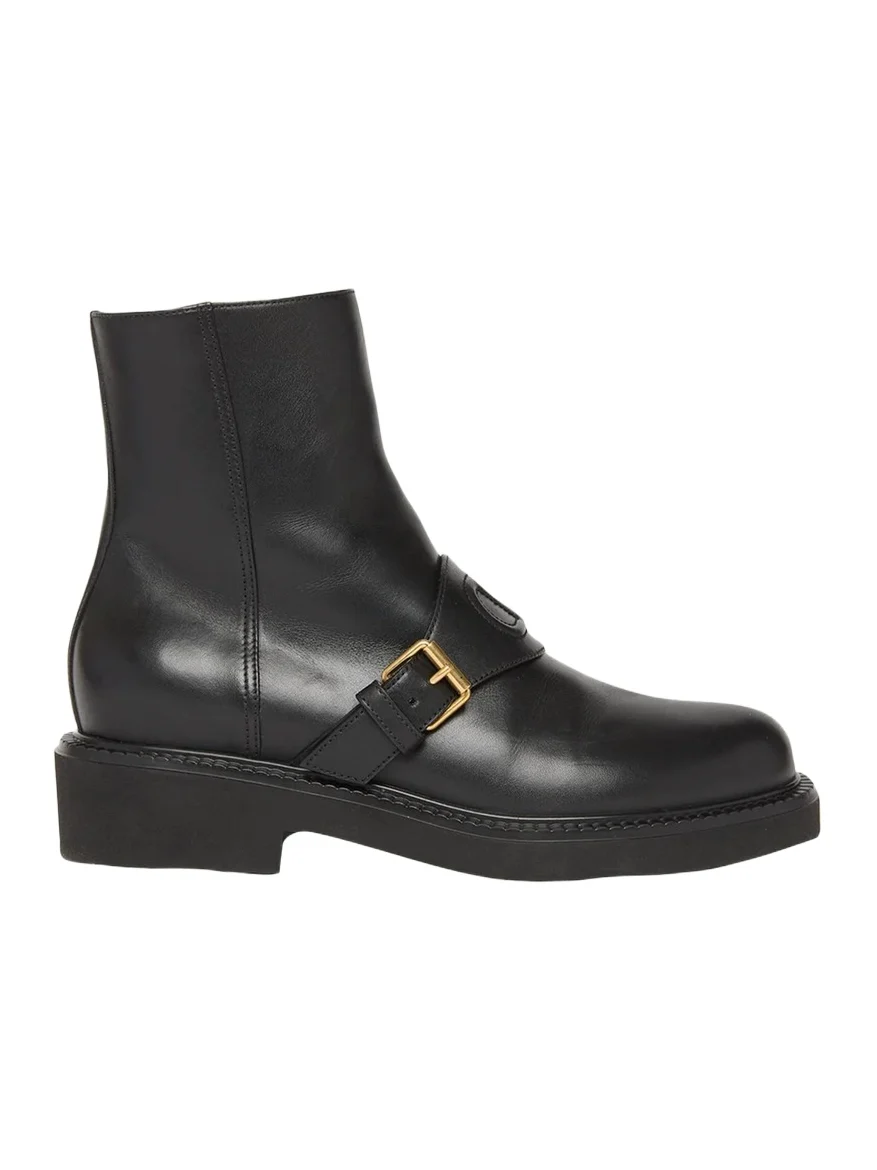
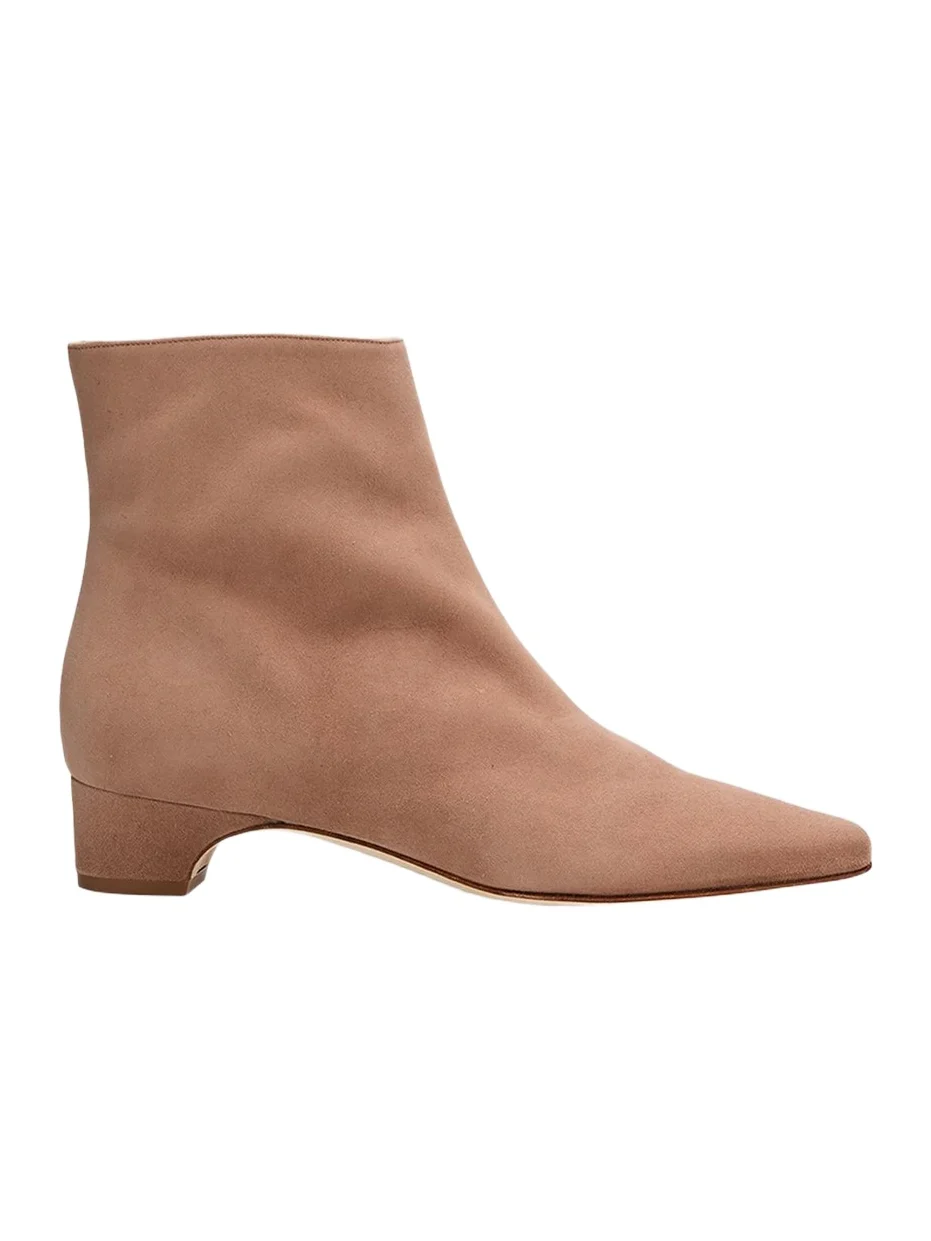
Shoes, the piece that needs your feet in the frame
Under the hood: how the video search pipeline works
A minute of phone video is more than a thousand frames, most of them near-copies of their neighbors, and two obvious designs fail on that. Running the garment finder on every frame spends the costliest step on duplicates and returns the same jacket again and again under drifting names. Cutting the clip into equal time slices fails the other way: on a carousel or a runway, one slice can hold two people. Our design separates cheap passes over the whole clip from careful work on a handful of frames, and settles whose outfit is whose before any garment is read.
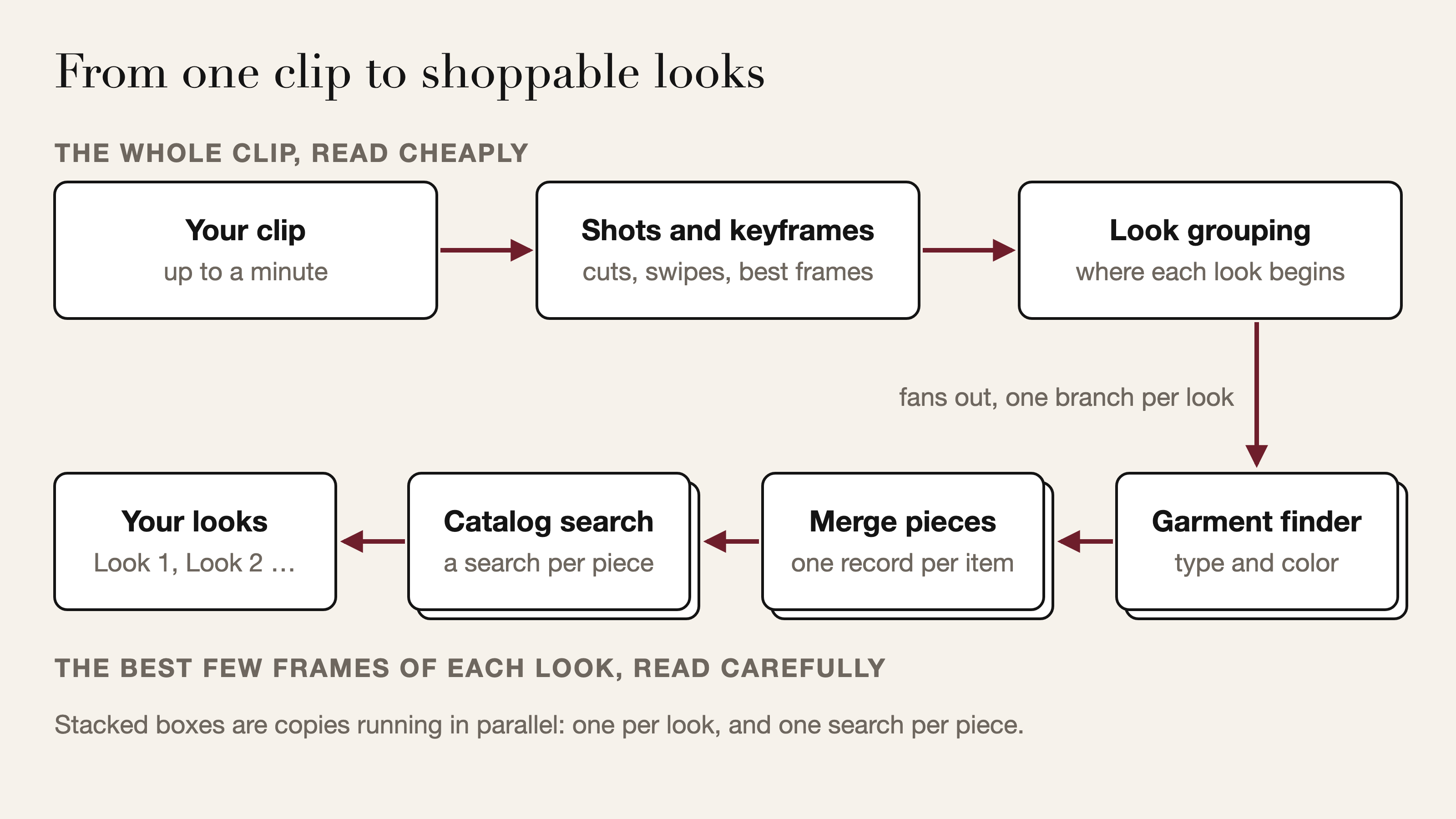
| Stage | Reads | Produces |
|---|---|---|
| Upload and job | The clip | A job id at once, plus a progress record |
| Shot finder | A dense sample of the clip | Shots, trimmed to their steady stretch |
| Frame planner | The shots | Keyframes, cropped to the main person when there is one |
| Look grouping | A small crop per keyframe, in order | Where each new person, outfit or product begins |
| Garment finder | The best few keyframes of a look | Every piece, with its type and color |
| Merge | Everything a look's frames found | One record per physical piece |
| Catalog matching | Each merged piece | Ranked designer pieces |
| Delivery | Ranked product ids | Looks with start times and product cards |
Shots and keyframes: coverage before depth
In edited footage, a cut changes the whole picture, and a jump in the frame's mix of colors marks it. In a screen recording of a shopping app, a product card flipping inside the phone's interface barely moves those colors, so a second signal watches the middle of the screen for a sudden change, measured against the clip's own normal motion so that a runway walk does not read as a swipe. Flashes too brief to be shots fold into the shot before, and each shot is trimmed to its steady stretch, since frames caught mid-swipe blend two pictures.
The frame planner then spends a budget, sketched below. A long take is split into equal windows because its best frames tend to bunch into one moment, and longer clips earn more keyframes because the same frames are the evidence look grouping works from. The planner reads the clip in one pass from start to finish rather than jumping to each window: in a phone screen recording, frames are unevenly spaced in time, and a jump can land on the neighboring product.
to plan the keyframes of a clip:
  split it at cuts and swipes; keep each shot's steady stretch
  set a frame budget that grows with the number of shots
      and the clip's length, up to a cap
  give every shot one keyframe              # coverage before depth
  hand out the rest round-robin, longest shots first,
      up to a limit per shot
  split each shot into that many equal windows;
  in each window, keep the best-scoring frame:
      score = share of the frame's height the person fills
            + a bonus when the feet are in the frame
            + a little for sharpness        # tie-break only
      (no real person anywhere in the clip: sharpness alone)
  drop frames that are close to black
  while the plan is over the cap:
      cut extra frames from multi-frame shots before any whole shot,
      and where it can, spare a shot whose loss would leave
      a long unseen stretch of the clip
Whose outfit is it: looks, people and mannequins
Each keyframe is cropped to its tallest person, with room at the sides for a bag held at the hip; uncropped, the garment finder would list every garment in the frame, front row included. Shots where the person is too small to read are left out, and frames with nobody in them are read whole, as product shots grouped by product.
The obvious way to split a clip into looks is to compare people by appearance and cut where the similarity drops. On runway footage that fails: models in one show share its palette, styling and backdrop, so the appearance signals we tested overlap for same and different models, and a hard cut leaves no position to follow. The sharpest visual jump in a reel can be a cut from a model's face to her own bag. So look grouping reads the time-ordered crops together and decides one thing: the frames at which a new person or outfit begins.
Returning boundaries rather than labels keeps looks contiguous by construction and makes each result easy to validate before it is used. The trade-off: someone who returns later opens a new look, but the results screen hides any match an earlier look showed, so a repeat adds only what is new.
When several people share the screen for a real part of the clip, a separate reading takes over. A person counts only when tall relative to the tallest in the frame, which separates a seated audience from a model walking past. Sightings are linked into one track per person by a cost that weighs appearance, horizontal position and a coarse color layout, with one hard rule: two people in one frame never share a track. A track that never shows a human head, a mannequin or a gown on a rack, is dropped, but only once another track in the clip has passed the check. Each person's dress, top or trousers come only from their most complete full-length view; shoes, bags, jewelry and outer layers are pooled from a few more of their views.
One bag, one result: merging what each frame saw
The garment finder reads the best few keyframes of each look side by side and returns every garment and accessory with its type and color. Most clothes, shoes and bags come back as cut-outs with the background removed, so a busy backdrop cannot sway the match. For a worn outfit, finding and searching are separate calls, so detection can run on several frames and the search once per piece.
Merging works on garment families, not labels, because the same bag can be called a tote in one frame and a handbag in the next. Each family stands for one piece of the outfit, the shoes, the bag, the top or the trousers, so it collapses to a single record. Outer layers and accessories merge only when they carry the same name: a blazer under a coat stays two pieces, at the price of the occasional coat that one frame calls a jacket coming back under both names. Shorts, skirts and dresses sit outside the trousers family, so leggings under shorts stay two as well. A piece seen in any frame counts, which is how shoes caught in a single stride survive, and the largest view of each piece, the one with the most detail, is the one searched.
When one frame holds two pieces of a family, a sweater over a polo, each gets its own slot, the larger first, and the slots line up across frames, so the sweater merges with the sweater. For an inner top, the most front-facing frame's reading wins, judged from the face and shoulders on frames already chosen, because a turned body changes how a color reads.
Outer layers that come back as their own result
One search per piece, all in parallel
A look's merged pieces go to catalog matching in one request, which runs the same per-piece matching as a photo search in the app, minus the detection already done. Pieces are matched side by side and return in order, each with its matches sorted best first, and a redundant piece is dropped: if a dress was also listed as a separate top, the extra top goes. The looks of a clip are searched side by side too. A frame that shows a single product and no person, such as a product photo in a screen recording, skips this step: the garment finder's own call already returns its matches.
The pipeline hands back ranked product ids for each piece. When the app collects the result, our backend turns each piece's ids into product cards with one batched catalog read that keeps the ranking, so names, prices, photos and sizes come from the catalog itself.
A job, not a held connection
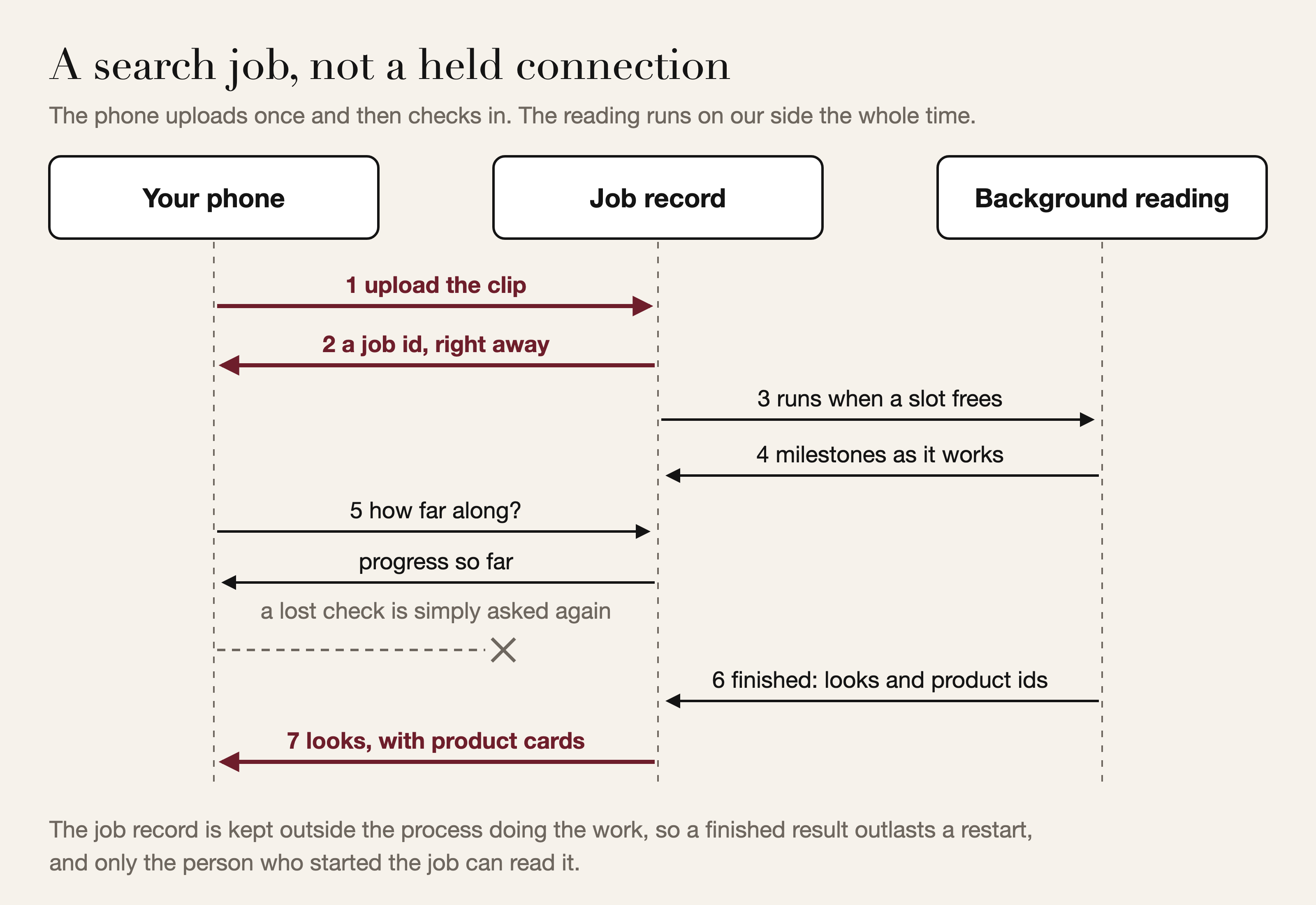
Reading a clip takes longer than a phone should hold a request open, so video search uses the asynchronous request-reply pattern built on HTTP's 202 Accepted status: the upload starts a job and returns its id at once, and the app checks in until it is done. The job record lives in a shared store, not in the memory of the process doing the work, so a finished result outlasts a restart of our backend or of the pipeline. Each server process runs a bounded number of readings at once; later jobs wait their turn at zero progress, which keeps running readings near their solo speed during a burst.
Progress comes from real milestones: the pipeline reports them as it passes them (looks grouped, then each look finished), and the stored figure only moves forward, even when parallel looks finish out of order. Until the first milestone arrives, a time-based estimate stands in, and it cannot reach 100. Checking is a read, so a check lost to a weak signal is simply asked again, and the app allows a few failures in a row before it gives up. Only the shopper who started a job, signed in or as a guest, can read it; anyone else is told it does not exist, and every job record is deleted automatically after a while. The background worker runs the same pipeline as a direct request: one behavior to test.
When a step fails, and how it scales
Each reading has a simpler one behind it. If the look-grouping path fails, equal time slices are read in parallel and neighbors are joined when their person crops look alike, or else when their garments and colors agree. If look grouping cannot answer after a second attempt, the clip becomes one look rather than an error, and when its first request is slow, an identical one is sent and the first good answer wins: a hedged request, capped so a struggling service is not hit twice as hard. An unreadable frame is skipped, a look whose search fails comes back empty while the others complete, and only a job that cannot finish at all is marked failed, which the app reports.
Missing evidence is never a verdict: a check that cannot run counts as unknown, not as "no person", which is why the mannequin check needs a real head elsewhere in the clip before it drops anything.
The expensive work grows with looks and pieces, not with clip length: the garment finder reads only each look's best few keyframes, each piece is searched once, and a longer clip gives look grouping more frames to compare, not more garment readings. All the videos a server is reading share one bounded budget for garment reading, so a burst of users shares capacity instead of flooding it. The quick person finder runs as a small pool of copies, each with its own lock, so videos scan in parallel instead of queuing behind a single lock.
What makes a clip work well
- Show the whole outfit at least once. Too close and the shoes fall out of frame; too far and the person is too small to read, and the shot is set aside.
- Turn, then face the camera. A back view helps with a coat's length and a bag's shape, but the front view is where a top's color reads truest.
- Let the bag and shoes be seen. A bag pinned under an arm gives the matching little to work with; a few seconds with it hanging free give it plenty. The same goes for a hem that hides the shoes.
- Use good light. Color is read from the frames themselves, so daylight gives truer matches than a dim bar.
- Pause between swipes. Recording yourself flipping through product photos or a feed, rest on each for a beat; the frames between two photos are skipped.
- Trim to the part you want. A tight clip of the look you care about beats a long one where it flashes past.
Once a match points you in a direction, compare shapes in our guide to the season's fall bags or the shoulder bags in the shop.
Bags whose shape reads from every side of a clip
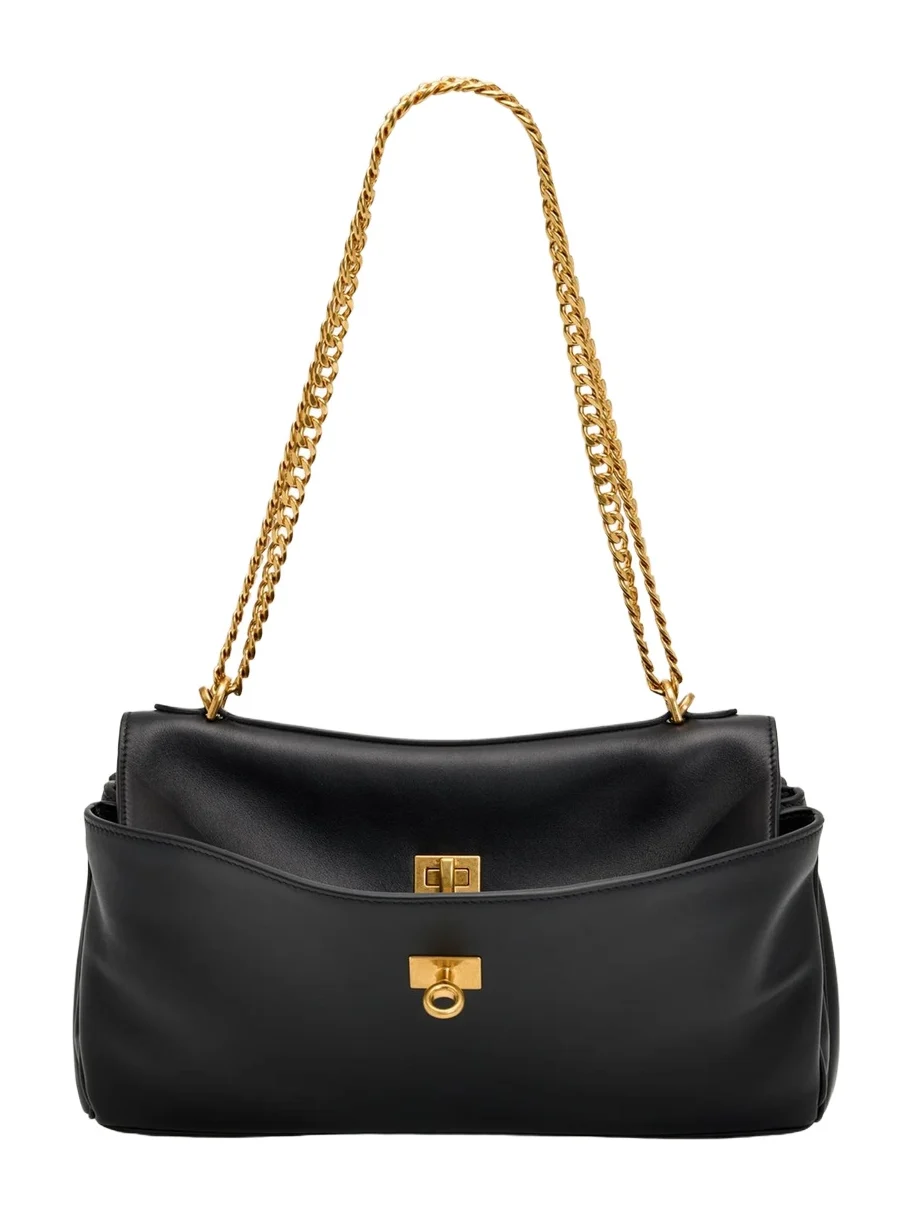 BalenciagaRodeo East-West Leather Shoulder Bag$3,650
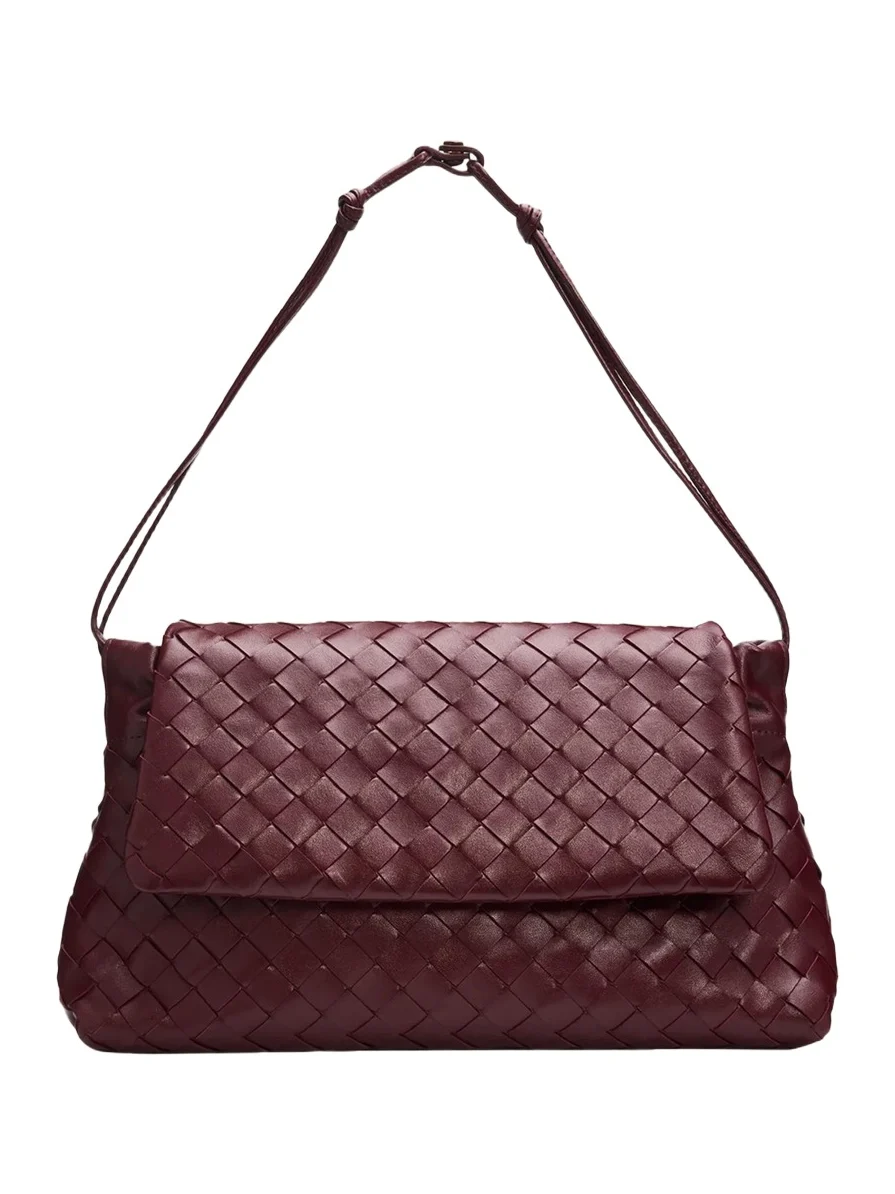 Bottega VenetaGiorno Leather Drawstring Shoulder Bag$3,800
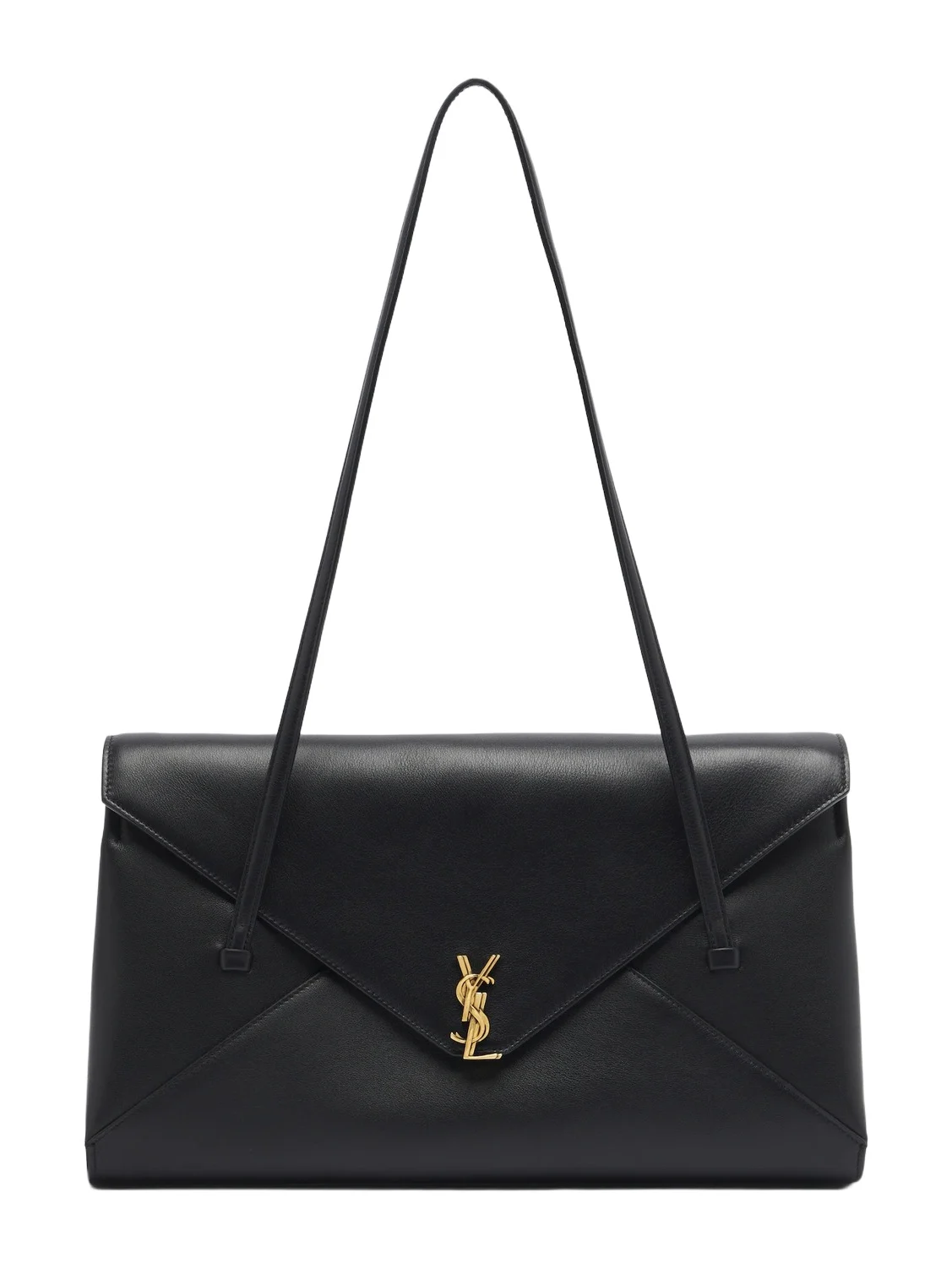 Saint LaurentSimone Medium leather shoulder bag$3,900
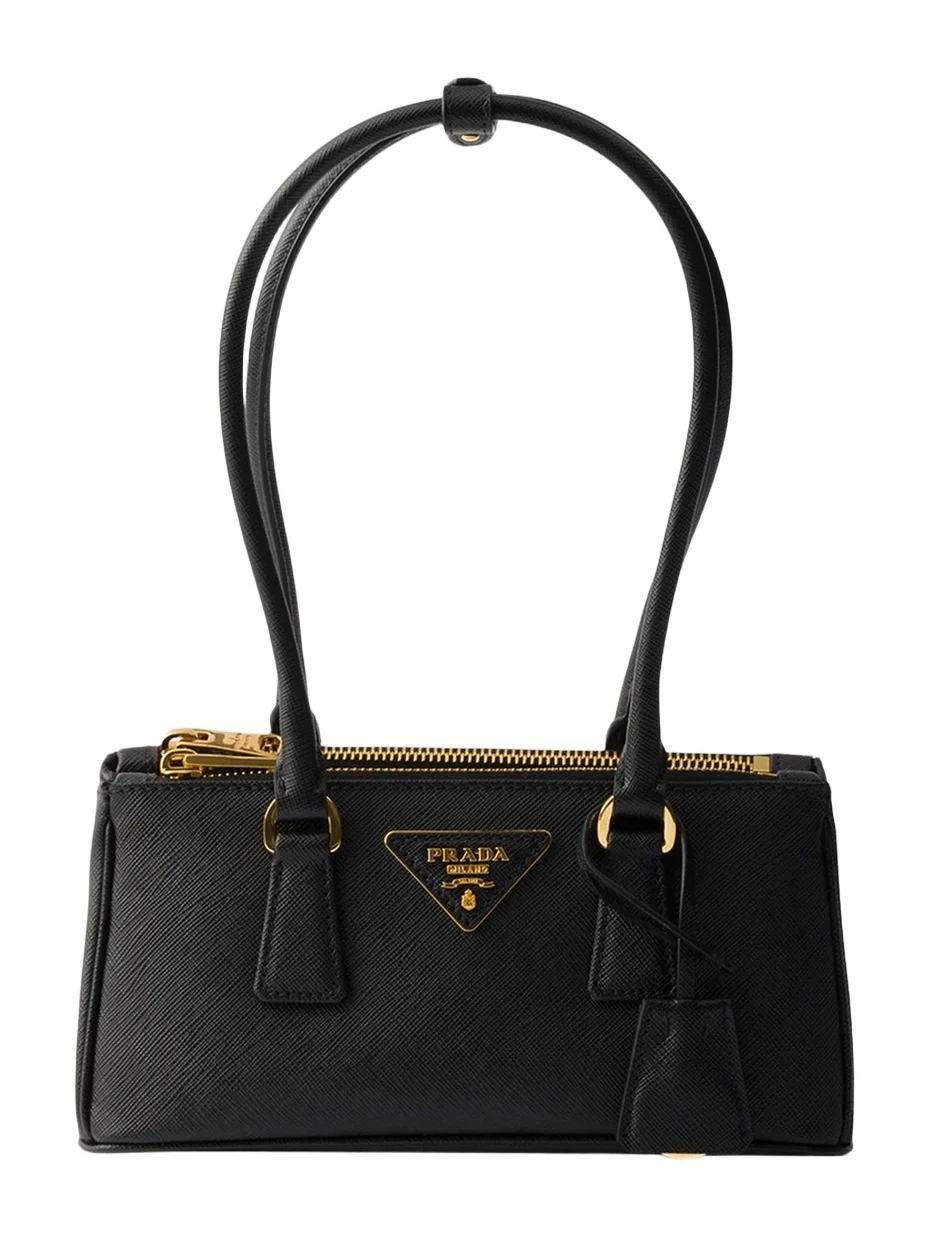 PradaGalleria Mini Saffiano Leather Top-Handle Bag$3,800
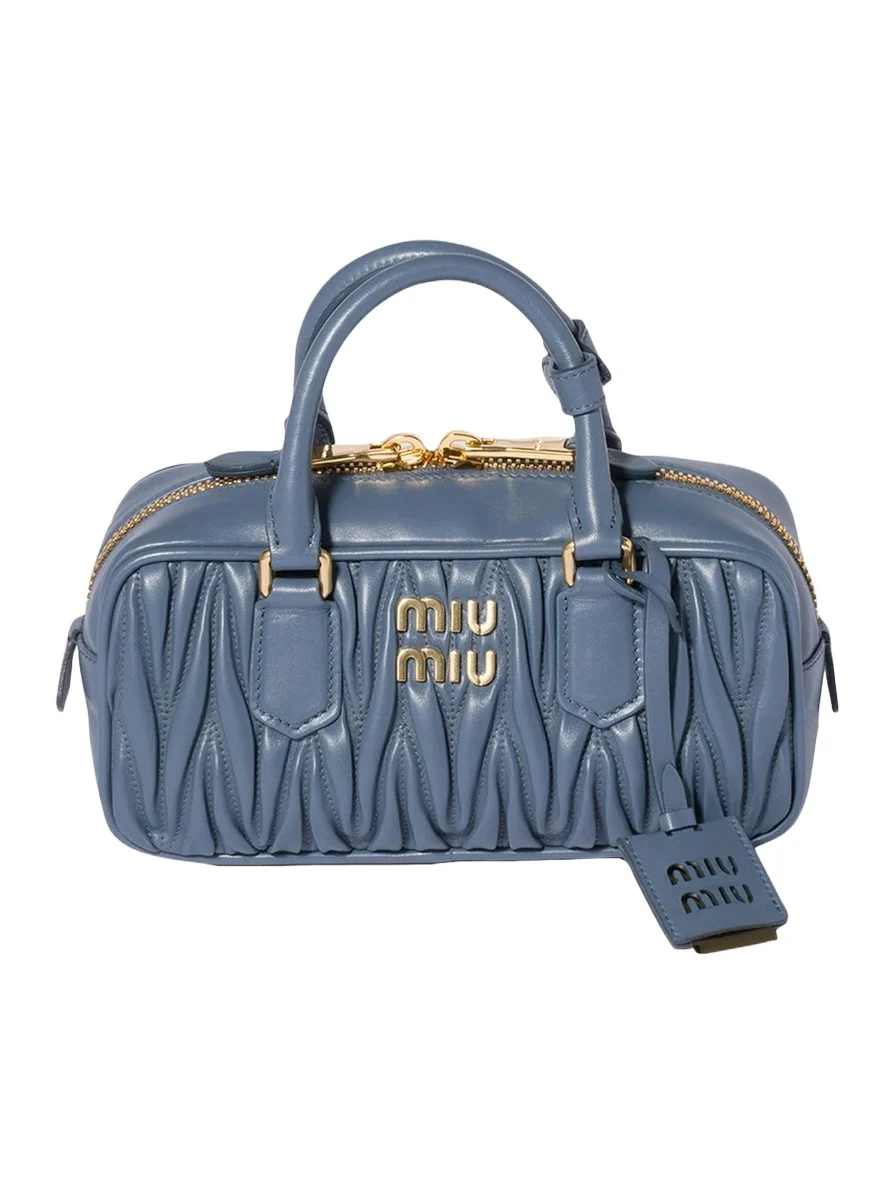 Miu MiuZip Quilted Leather Top-Handle Bag$3,370
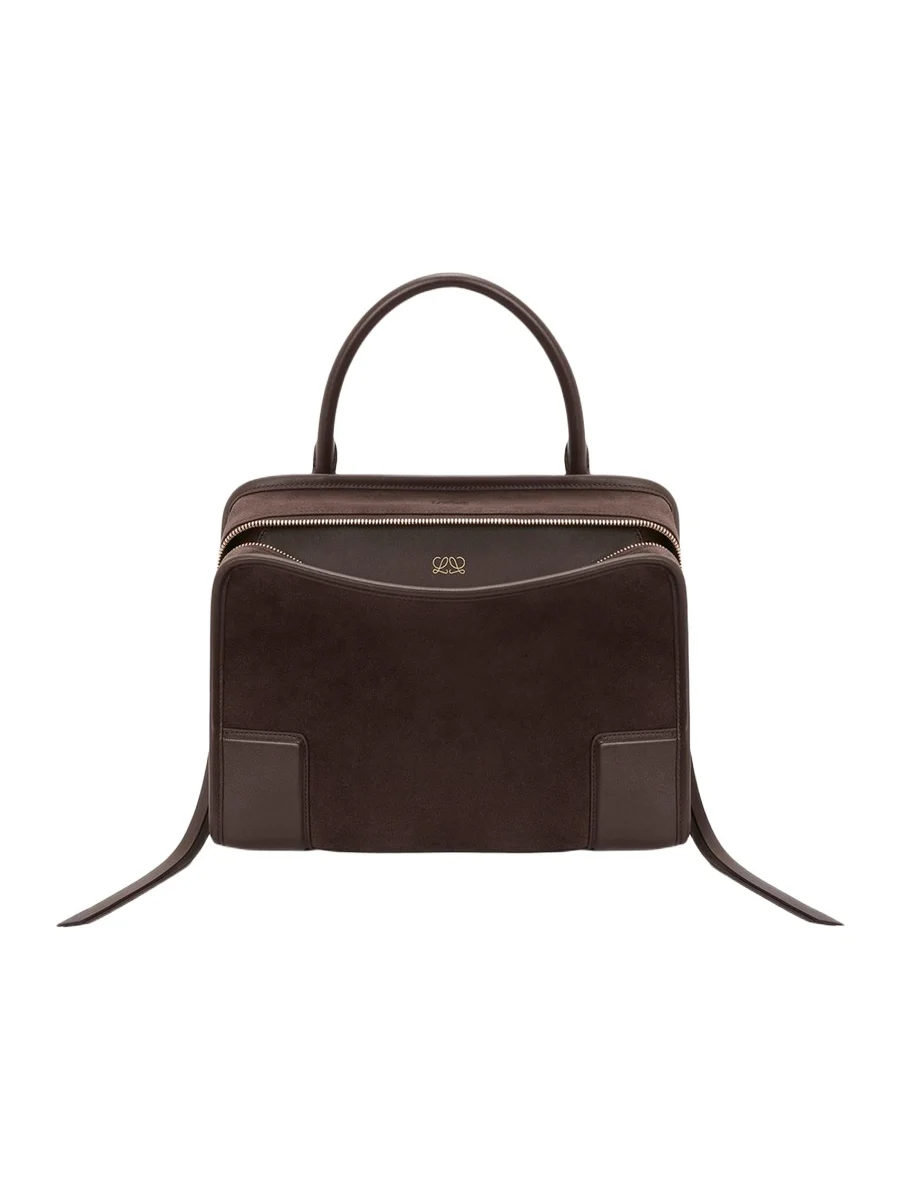 LoeweAmazona 180 Medium Top-Handle Bag in Suede$4,900
What video search does not do
- It does not promise the exact piece. It ranks the closest matches in Vêtir's catalog: if we carry the piece in the clip it can appear among them, and if we do not, you see the designer pieces that look closest.
- It does not open a link. It starts from a clip on your phone, recorded in the app, chosen from your library or, on iPhone, shared from Photos.
- It does not listen or read. Sound, captions and hashtags play no part; everything comes from what the frames show.
- It does not tell you who someone is. It groups shots by person and outfit, but it reads clothes, not identities.
How we chose these pieces
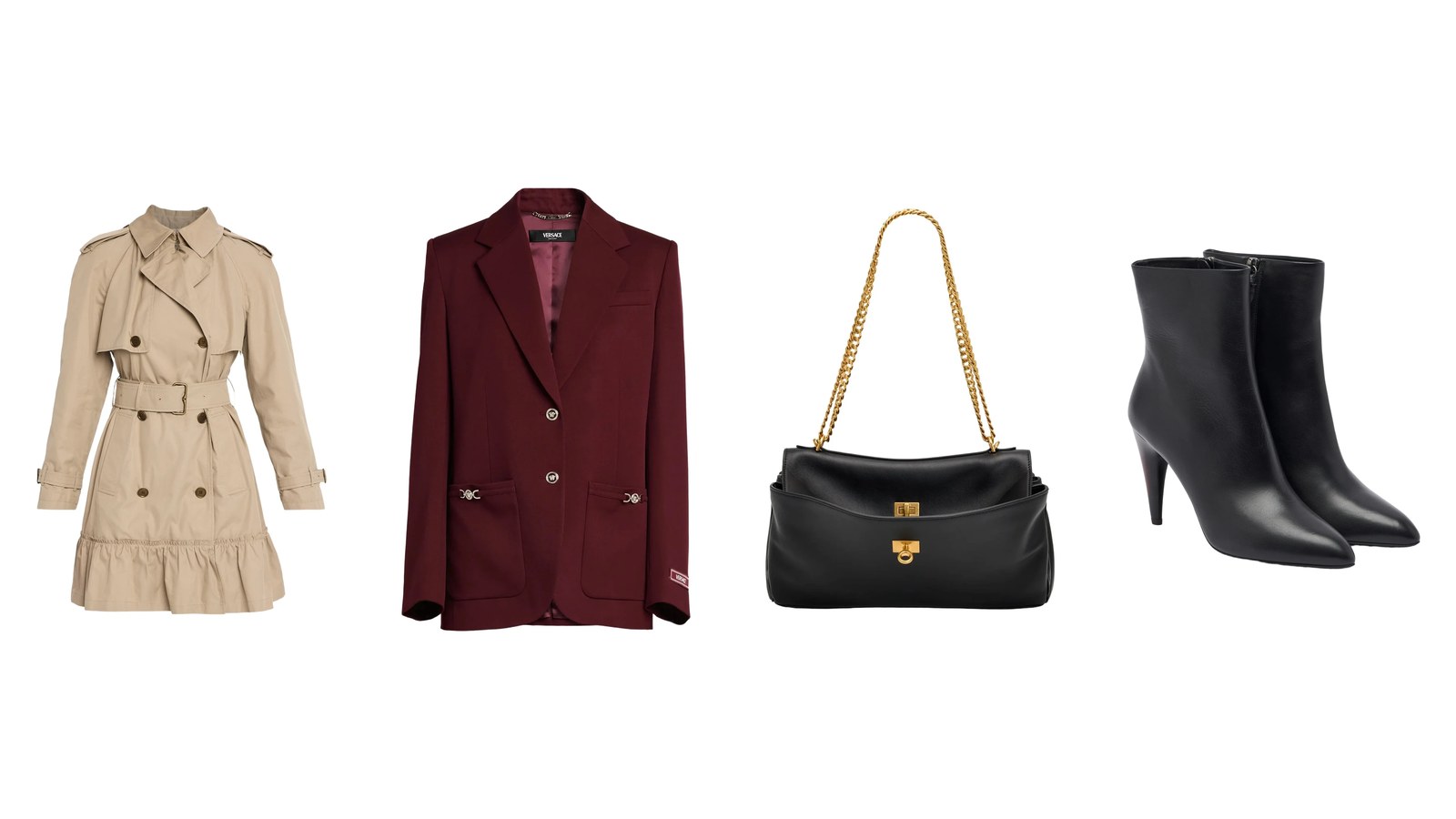
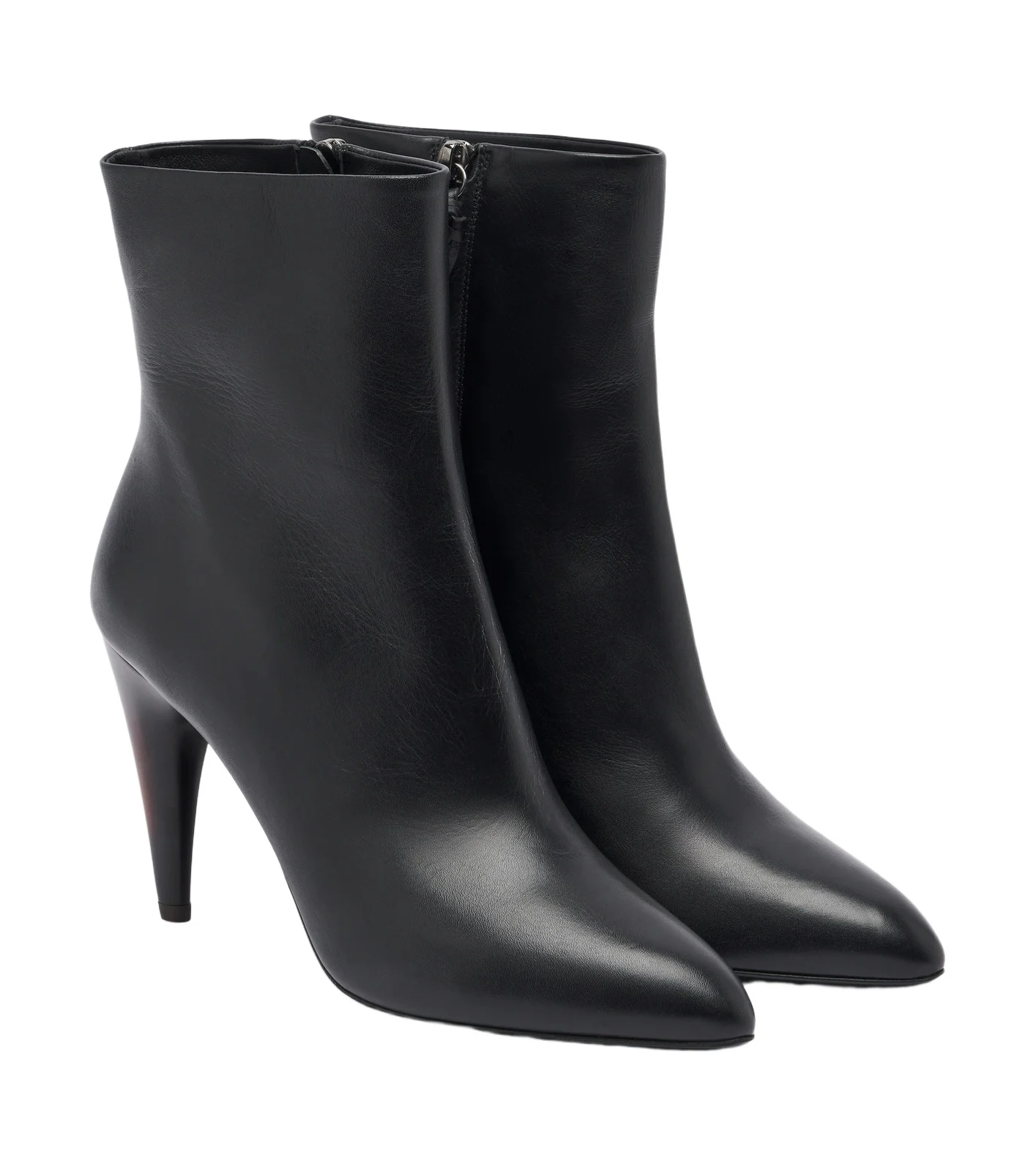
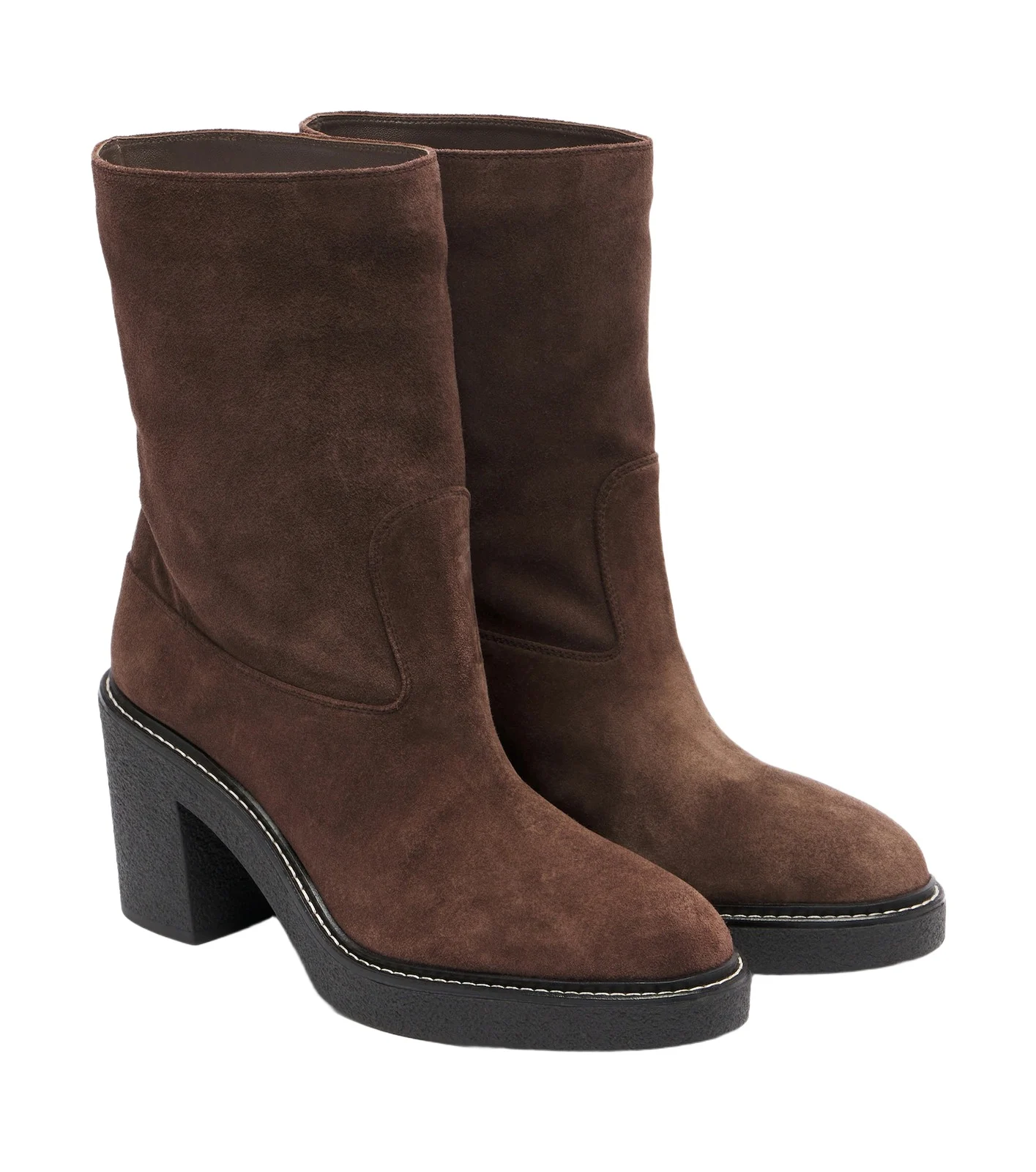
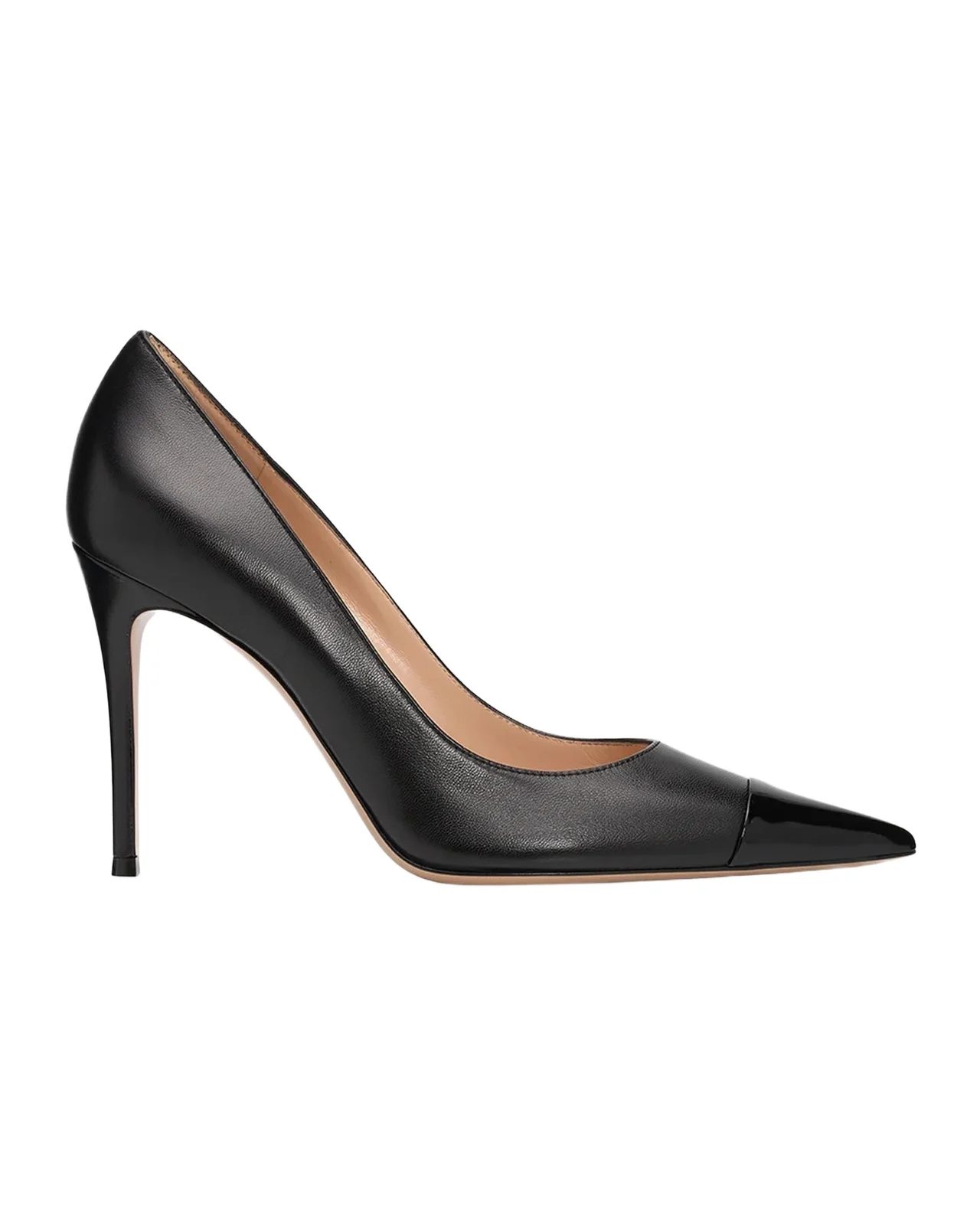
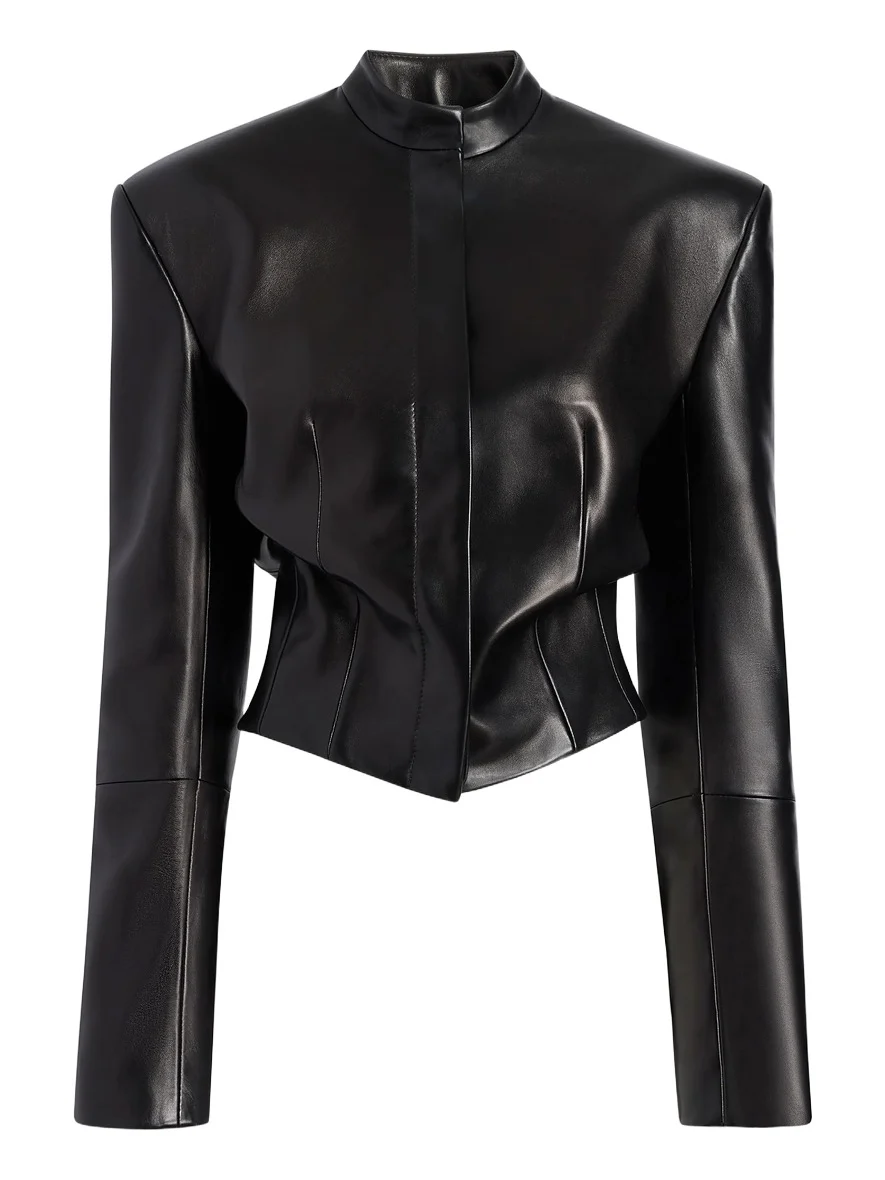
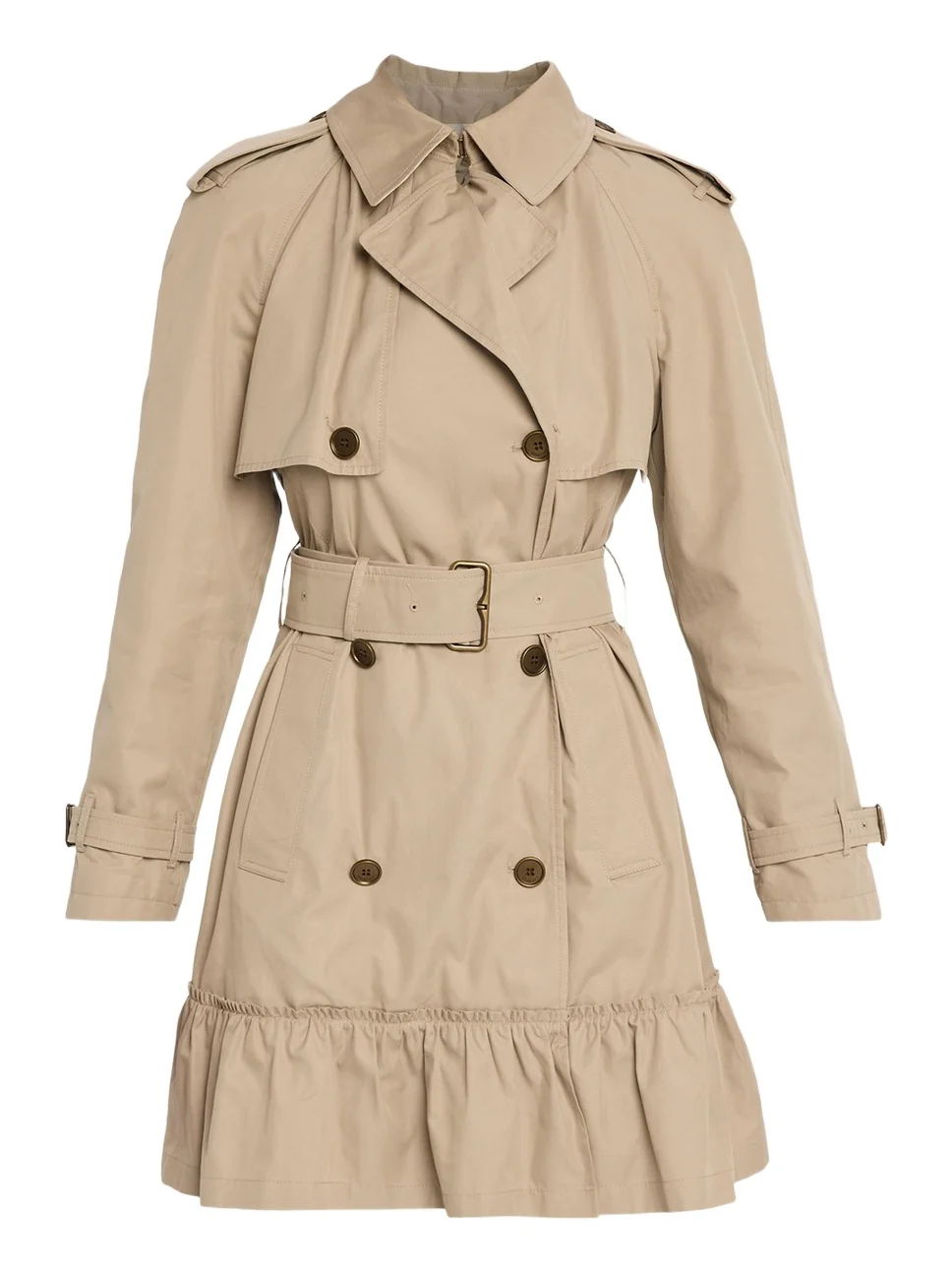
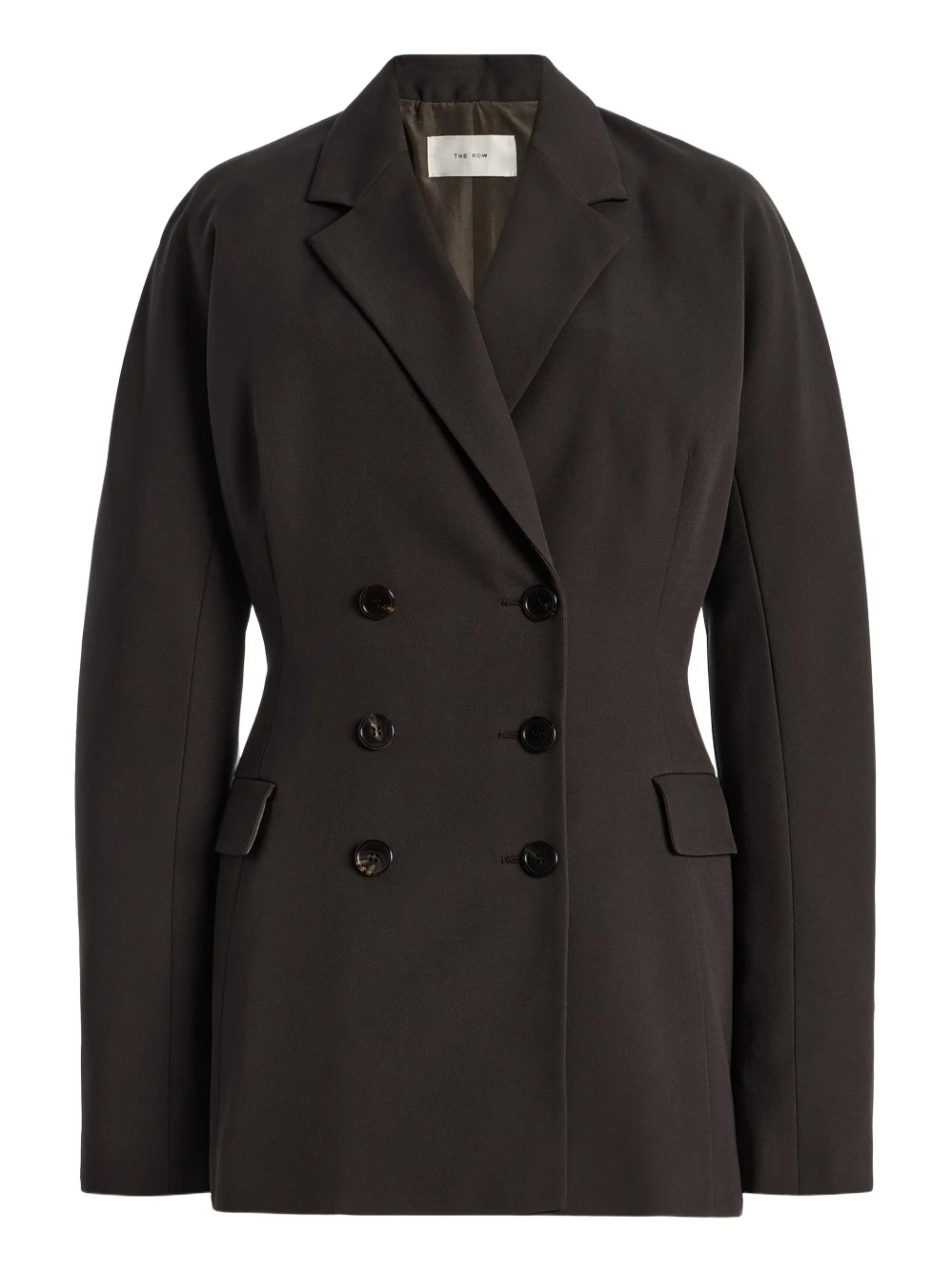
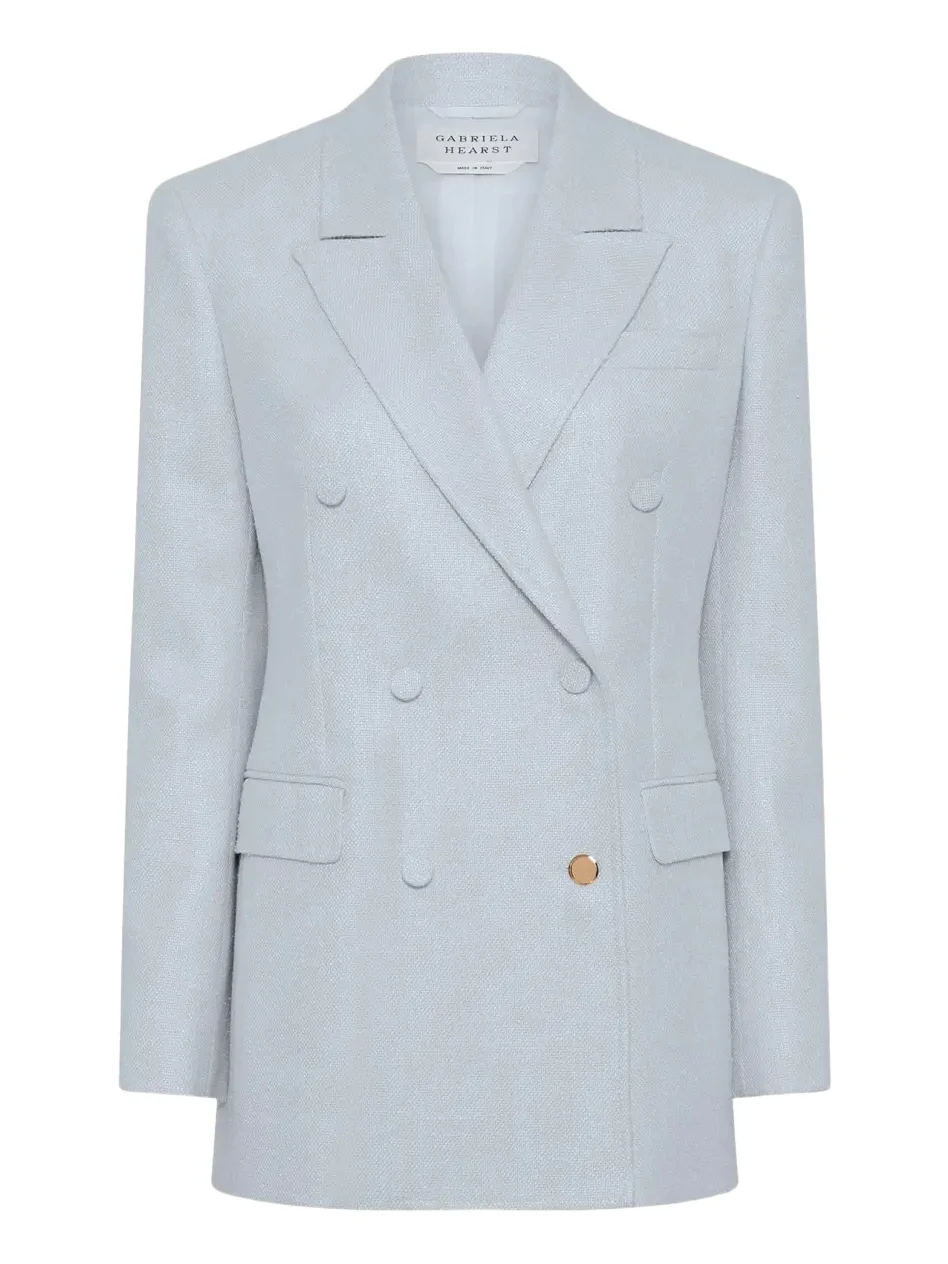
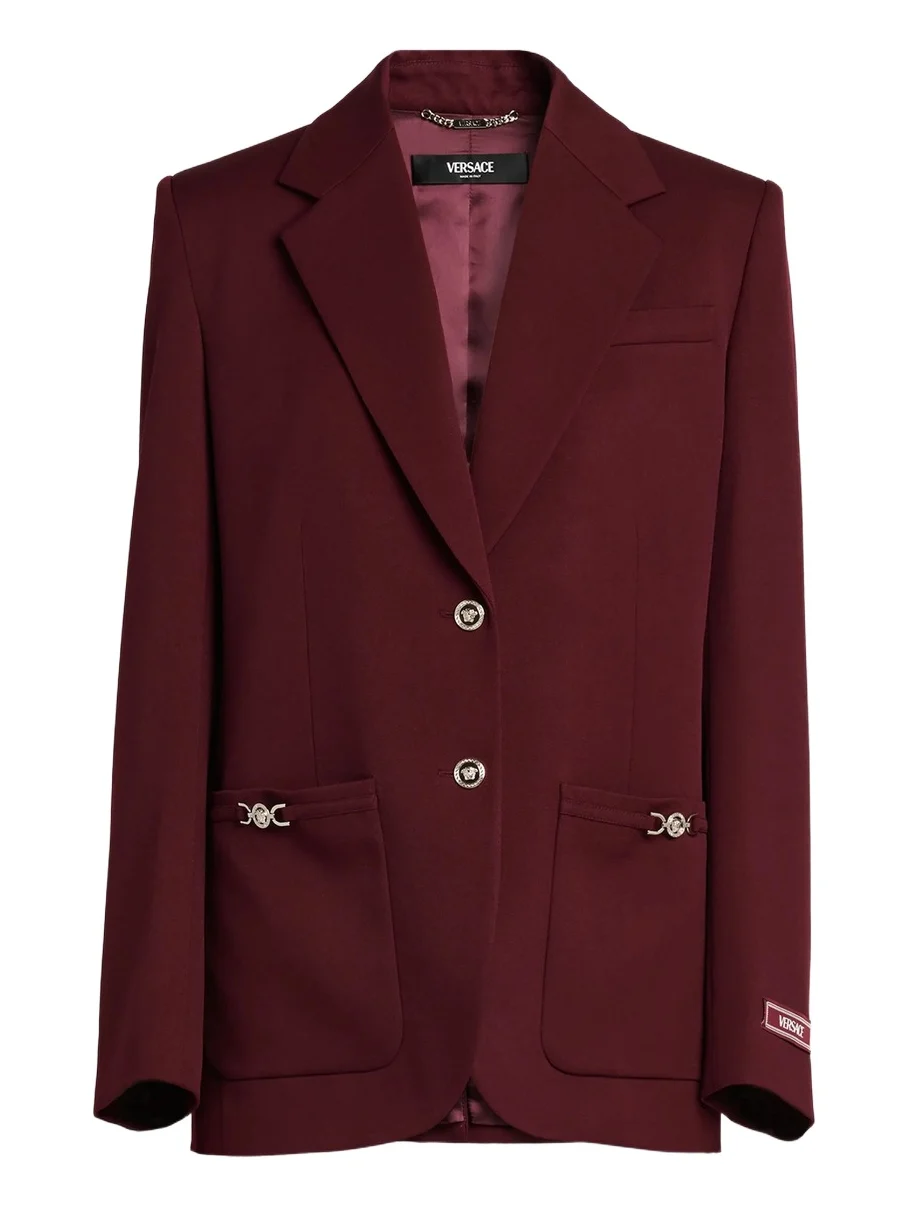
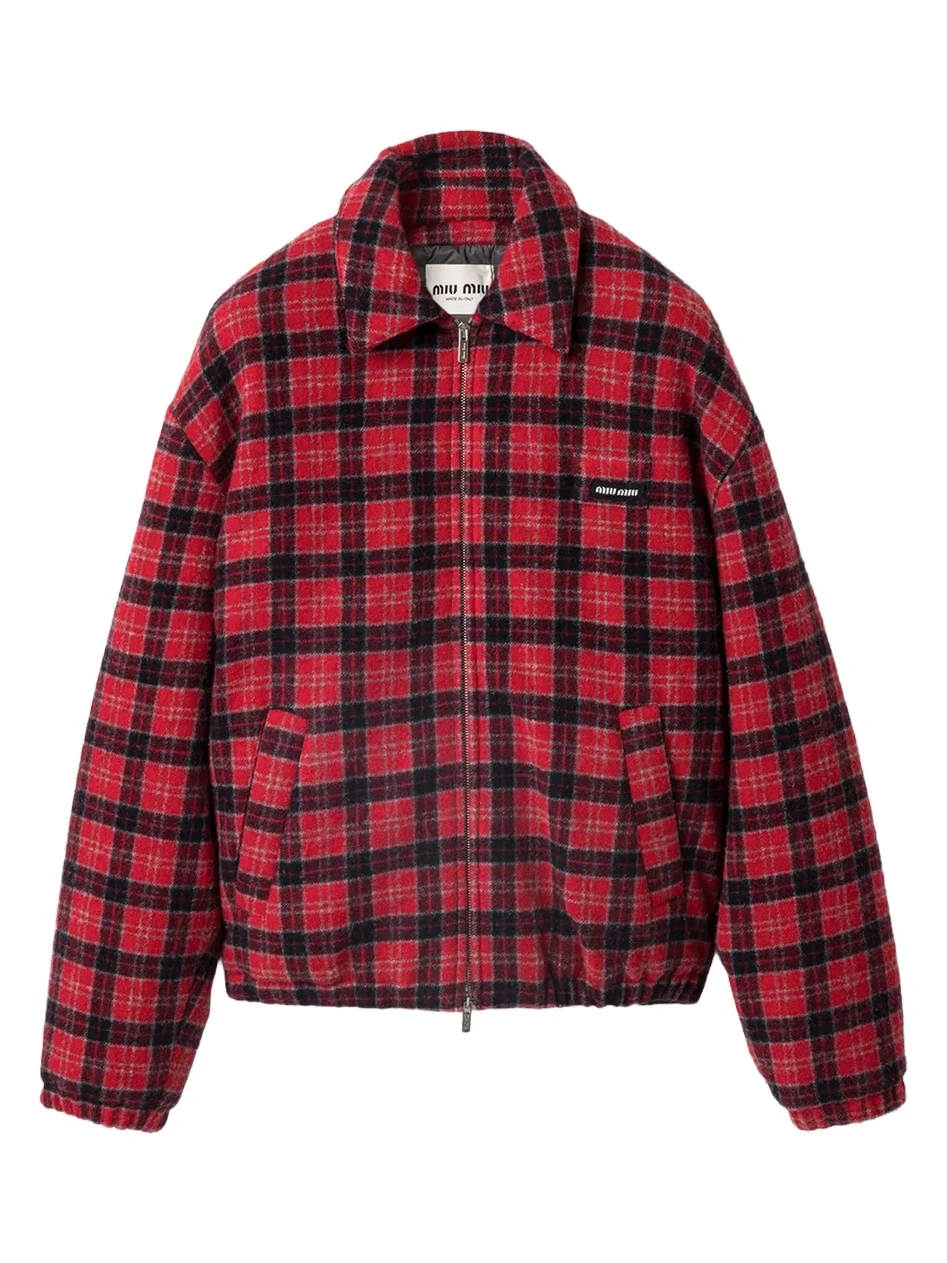
The pieces in this article are the kind video search returns as results of their own. The outer layers have something a camera holds onto as the wearer moves: Khaite's sculpted leather jacket, the belt and ruffled hem on Burberry's short trench, the lapels of The Row's blazer and the silver Medusa buttons on Versace's. The bags are shapes you know from the side as well as the front, from Balenciaga's East-West Rodeo with its gold hardware to Bottega Veneta's woven Giorno drawstring. The shoes span the shafts and heel heights a match has to get right, from a suede ankle boot on a lug sole and a pointed stiletto boot to a 95mm cap-toe pump and a kitten heel. All 18 come from 17 houses and were live at full price when we chose them, none is pre-owned, and the photograph, not the product name, settled each color.
What's next
We are building video search into the AI assistants that already connect to Vêtir, and coming next is shopping a video you saw on social media straight from its shared link, without saving the clip first. Until then, search the clip, then ask our AI stylist to build the rest of the look around the pieces you liked.
Frequently asked questions
How do I find clothes from a video?
In the Vêtir app, tap the camera icon in the search bar to open AI Image & Video Search. Hold the shutter to record, or tap the library button to choose a video, then tap Proceed. Vêtir finds each piece the person is wearing and shows designer matches for every one, look by look.
How long can the video be?
Up to one minute. A recording in the app stops on its own at a minute, and a longer clip from your library is turned back with an option to pick another.
Can I search a video I saved from Instagram or TikTok?
Yes, once the video is on your phone: a saved clip or a screen recording both work, and on iPhone you can share it from Photos straight to Vêtir. Video search does not take a link to the post itself today.
What if there are several people in the video?
Each person is given their own look, whether they appear one after another, as on a runway, or share the screen for much of the clip. People small in the background, such as a seated audience, are set aside so their clothes do not mix into the look.
Can I leave the screen while a video search runs?
Stay on it until the results appear: going back cancels the search. Once the clip has uploaded, a brief drop in signal does no harm, because the search runs on our side and the app simply checks in again.
Can I use a photo or a screenshot instead?
Yes. On the same screen, tap the shutter once for a photo or choose a picture from your library, then crop to the piece you want. On the website, our Visual Search page takes uploads as well.
Keep reading
- How to digitize your closet from a video
- How the Vêtir AI stylist builds a look
- The best fall jackets for women
- The best winter boots for women
Written by Ashish Gupta, CTO of Vêtir.